Use motion to explain changes and support navigation.
Principles
- Purposeful. Animate what changes: a menu opening, a result arriving, content entering view. If nothing changed, nothing moves.
- Physical. Things arrive decelerating and leave accelerating, like real objects. Nothing teleports, pops or bounces.
- Quick. Feedback is over before anyone waits for it. The longest website motion is 1.1 s, and only for headlines.
- Optional. Every page reads perfectly with motion off, and every animation respects the system’s reduced-motion setting.
Productive and expressive. Product interfaces are productive: they use the fast and moderate durations only, so work never waits for an animation. Websites may also be expressive in three moments: page arrival, scroll reveals and headlines.
Durations
| Token | Value | Use |
|---|---|---|
--ais-duration-fast-1 |
80 ms | Press and active states |
--ais-duration-fast-2 |
120 ms | Tooltips, toggles, checkboxes |
--ais-duration-moderate-1 |
180 ms | Hover: colour, underline, arrow; anything closing |
--ais-duration-moderate-2 |
240 ms | Menus, dropdowns, accordions, dialogs opening |
--ais-duration-slow-1 |
500 ms | Page arrival, large panels |
--ais-duration-slow-2 |
700 ms | Scroll reveals, image zoom on hover |
--ais-duration-expressive |
1100 ms | Headline line reveal, numbers counting up |
Closing is faster than opening: a menu opens in 240 ms and closes in 180 ms.
Easing
Three curves cover everything.
--ais-ease-standardcubic-bezier(0.2, 0, 0, 1)State changes and moves within the view--ais-ease-entercubic-bezier(0.16, 1, 0.3, 1)Everything that arrives or settles--ais-ease-exitcubic-bezier(0.4, 0, 1, 1)Everything that leavesLinear is used only for continuous loops and progress bars.
Distances and rhythm
| Token | Value | Use |
|---|---|---|
--ais-distance-nudge |
3 px | Arrow on hover, forward or back |
--ais-distance-menu |
8 px | Menus and dropdowns entering |
--ais-distance-reveal |
16 px | Blocks entering on scroll |
--ais-stagger |
60 ms | Between items of a list, up to six items |
--ais-stagger-lines |
100 ms | Between lines of a headline |
Image zoom on hover is 1.03. Page content enters 16 px (--ais-distance-reveal) and leaves 8 px.
Patterns
Every site uses these patterns with these exact values.
Text link and arrowHover: underline and colour 180 ms standard; arrow 3 px 180 ms standard
ButtonHover: colour 180 ms standard. Press: 80 ms, no scale
Menu and dropdownOpen: fade and 8 px 240 ms enter. Close: 180 ms exit
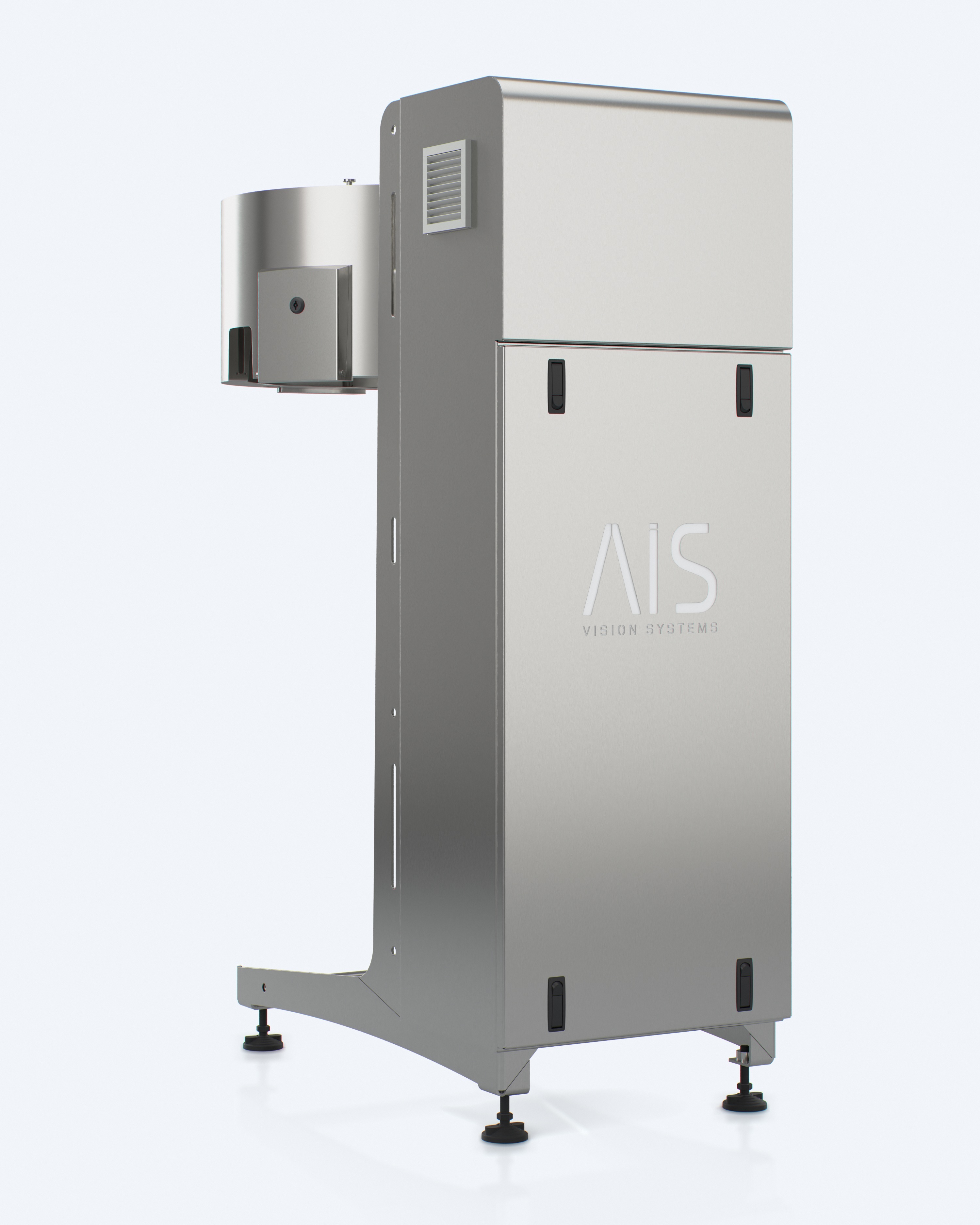
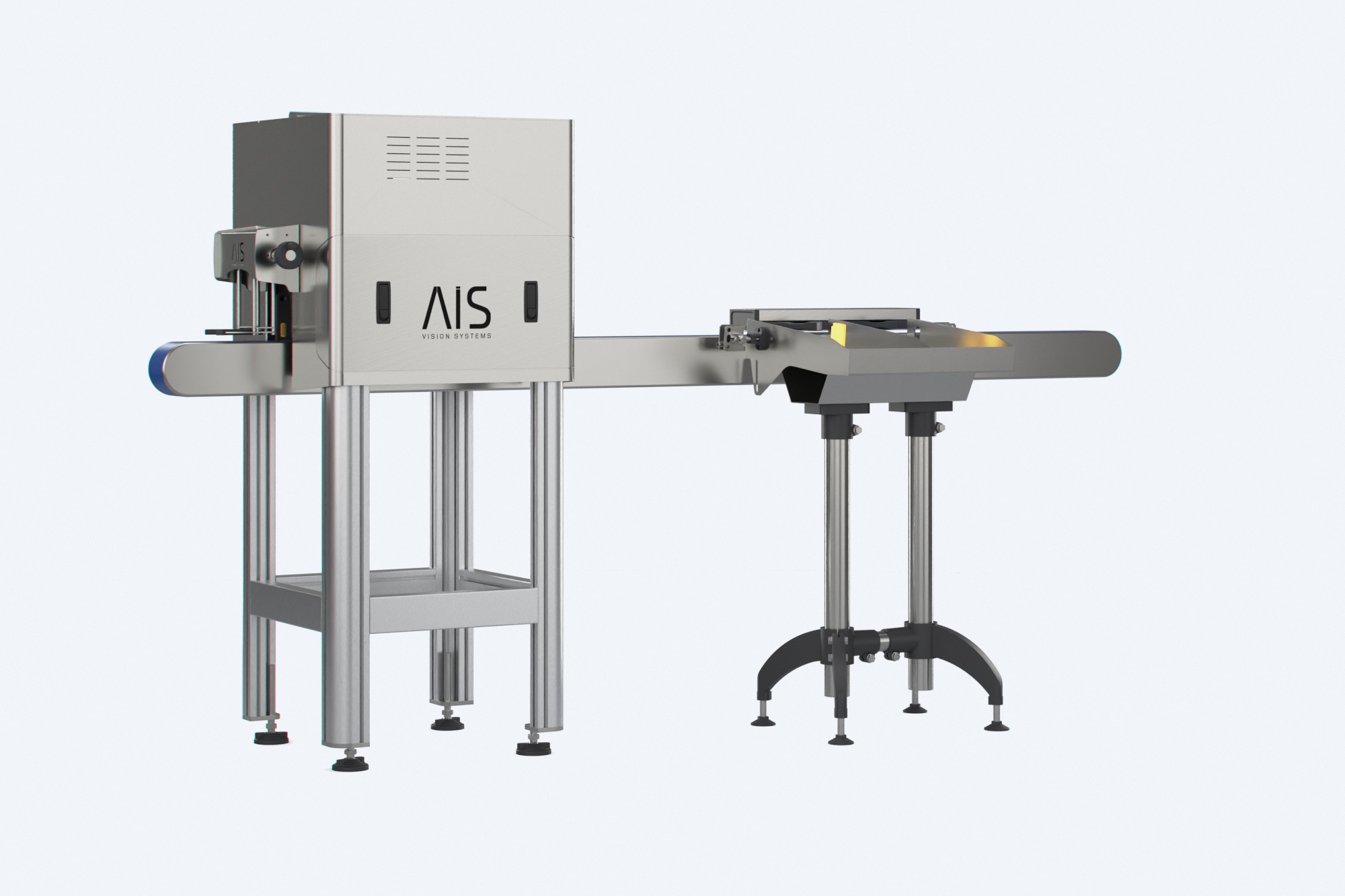
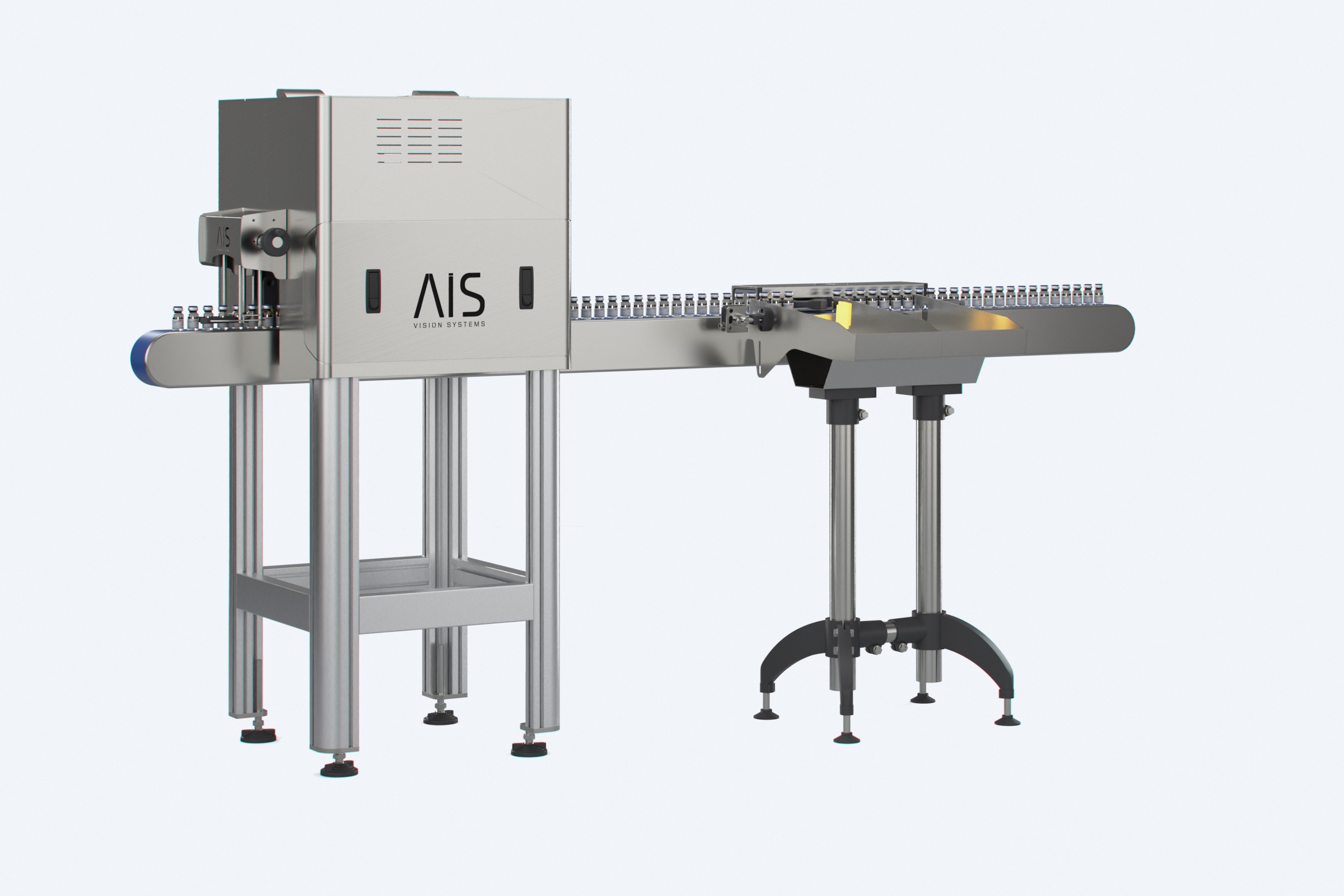
Presence, position, codes and surface defects, at line speed.
AccordionHeight and chevron 240 ms standard
Scroll revealFade and 16 px, 700 ms enter, 60 ms apart, once
Headline revealLines rise from a mask, 1100 ms enter, 100 ms apart
Card imageHover: image scales to 1.03 over 700 ms enter; the card stays still
| Pattern | Trigger | Animation | Duration | Curve |
|---|---|---|---|---|
| Text link | Hover, focus | Underline appears, colour to blue-600 | 180 ms | Standard |
| Arrow | Hover on its link or button | Moves 3 px forward (back links: back) | 180 ms | Standard |
| Button | Hover / press | Background to the hover colour / 80 ms darker; never scales | 180 / 80 ms | Standard |
| Focus ring | Keyboard focus | Appears instantly | 0 ms | None |
| Menu, dropdown, mega menu | Open / close | Fade and 8 px down / fade out | 240 / 180 ms | Enter / exit |
| Accordion | Open / close | Height through grid-template-rows, chevron turns 180° |
240 ms | Standard |
| Dialog | Open / close | Backdrop fades; panel fades and scales from 0.98 / reverse | 240 / 180 ms | Enter / exit |
| Tooltip | Hover for 400 ms | Fades in | 120 ms | Standard |
| Toast | Appears / leaves | Fade and 16 px up / fade out | 240 / 180 ms | Enter / exit |
| Scroll reveal | Block 10% in view, once | Fade and 16 px up, items 60 ms apart | 700 ms | Enter |
| Headline reveal | Page arrival, section in view | Lines rise from a mask, 100 ms apart, after the font loads | 1100 ms | Enter |
| Card image | Hover on the card | Image scales to 1.03; the card does not lift or cast a shadow | 700 ms | Enter |
| Page transition | Navigation | Old page fades and lifts 8 px; header stays; new page fades and rises 16 px | 180 / 500 ms | Exit / enter |
| Number | Section in view | Counts up to a real value, tabular figures | 1100 ms | Enter |
| Logo strip | Continuous | Scrolls at 40 s per loop; pauses on hover and off screen | 40 s | Linear |
| Detection overlay | In view | Boxes and masks draw in 60 ms apart; the verdict appears last | 500 ms, verdict 240 ms | Enter |
| Signal | Continuous in illustrations | A pulse travels along the real cable; the receiver answers with a light | 1100 ms | Standard |
Links and hovers
Each kind of link has one behaviour, identical on every site: 180 ms on the standard curve. An interactive element with no hover state is a defect.
| Kind | At rest | On hover |
|---|---|---|
| Text action with arrow | Action blue #3664B3 |
blue-600 #1E4591, underline, arrow 3 px forward |
| Inline link | Action blue, underlined | blue-600 #1E4591 |
| Navigation link | Ink #0F1729 |
Action blue |
| Menu item | Ink | Action blue; the arrow moves 3 px where there is one |
| Card link | Title in ink | Title in action blue, arrow 3 px forward, image to 1.03; no underline |
| Split button | Brand blue #17356E |
Deep blue, blue-800 #10254C |
| Neutral button | Section grey #F1F5F9 |
neutral-200 #E2E8F0 |
| Links on dark surfaces | Light blue #A7BFE4 or slate #94A3B8 |
#F1F5F9 |
Reveal only what deserves it. Scroll reveals apply to section-level blocks: a card row, a figure, a quote. Never to running text, navigation, forms or anything above the fold on load except the headline.
Never
- Bounce, elastic, spring overshoot or wobble.
- Parallax, scroll-jacking or smooth-scrolling libraries; scrolling stays native.
- Hover lifts, growing shadows or scaling buttons.
- Decorative loops: floating glows, drifting shapes, pulsing backgrounds.
- Animated logos on websites. Logo animation belongs to video intros and outros only.
- Animating width, height, top, left, margins, colour gradients or blur.
- Content that stays hidden until a script runs.
- Video with sound that plays by itself, or video behind body text. A film sits behind a headline only under the dark scrim of a page opener.
Reduced motion
When the system asks for reduced motion, every transition and animation is removed, not shortened: content is simply there. Loops stop, videos show their poster, and counters show their final value.
@media (prefers-reduced-motion: reduce) {
  *, *::before, *::after { animation: none !important; transition: none !important; scroll-behavior: auto !important; }
}
Implementation
Every site imports brand.css and uses the tokens directly. The scroll reveal is progressive: the page is complete without JavaScript, and the hidden state only exists once the script has marked the page.
.has-motion [data-reveal] { opacity: 0; transform: translateY(var(--ais-distance-reveal)); }
.has-motion [data-reveal].is-in {
  opacity: 1; transform: none;
  transition: opacity var(--ais-duration-slow-2) var(--ais-ease-enter),
              transform var(--ais-duration-slow-2) var(--ais-ease-enter);
  transition-delay: calc(var(--i, 0) * var(--ais-stagger));
}
if (!matchMedia('(prefers-reduced-motion: reduce)').matches && 'IntersectionObserver' in window) {
document.documentElement.classList.add('has-motion');
const io = new IntersectionObserver((entries) => entries.forEach((e) => {
if (e.isIntersecting) { e.target.classList.add('is-in'); io.unobserve(e.target); }
}), { threshold: 0.1 });
document.querySelectorAll('[data-reveal]').forEach((el) => io.observe(el));
}Sites that animate with GSAP register the same curves by name, so code and CSS stay identical:
import { gsap } from 'gsap';
import { CustomEase } from 'gsap/CustomEase';
gsap.registerPlugin(CustomEase);
CustomEase.create('ais-standard', '.2,0,0,1');
CustomEase.create('ais-enter', '.16,1,.3,1');
CustomEase.create('ais-exit', '.4,0,1,1');
// gsap.to(lines, { yPercent: 0, duration: 1.1, ease: 'ais-enter', stagger: 0.1 });
Page transitions use the browser’s View Transitions (Astro’s ClientRouter), with the old page leaving in 180 ms on the exit curve and the new page arriving in 500 ms on the enter curve.
Video and loops
Loops are seamless, silent and pause when off screen; anything that moves on its own for more than five seconds has a pause control, except purely decorative header effects and the logo strip. Show a still poster under reduced motion. Video sits behind a headline only under the dark scrim of a page opener, never behind body text. Video intros, outros, titles and captions follow Video.